0:00 Intro
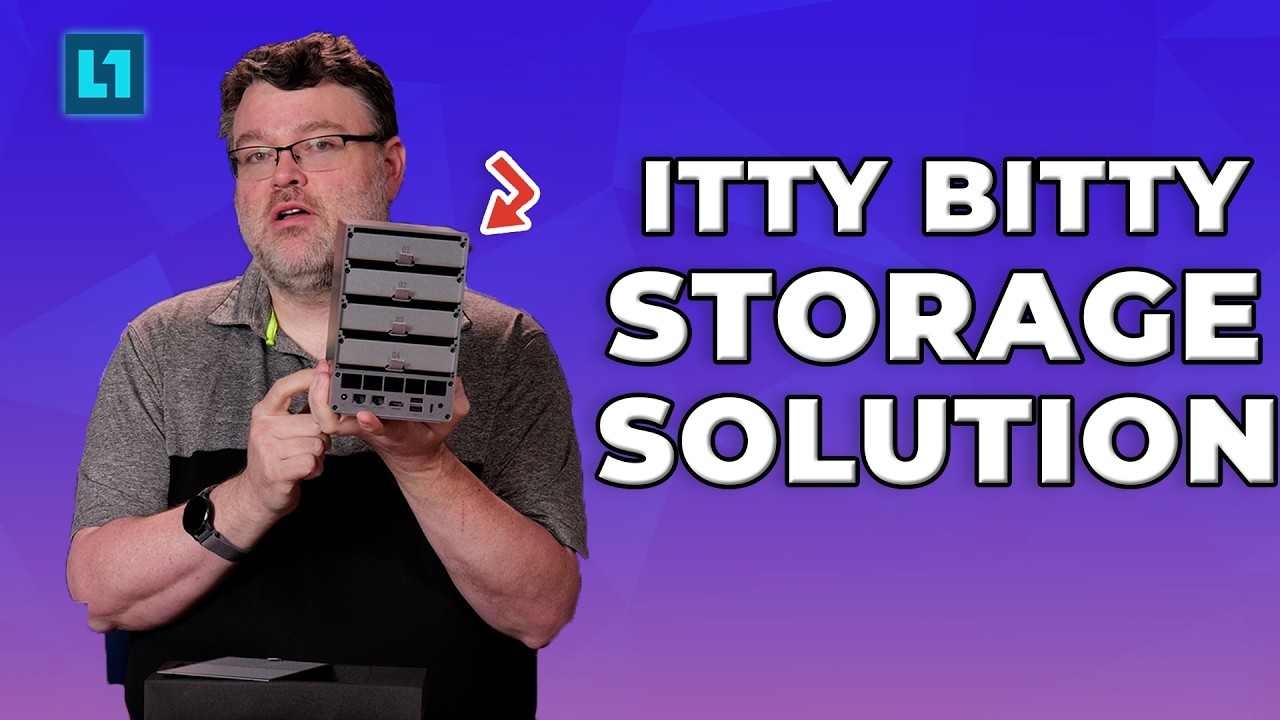
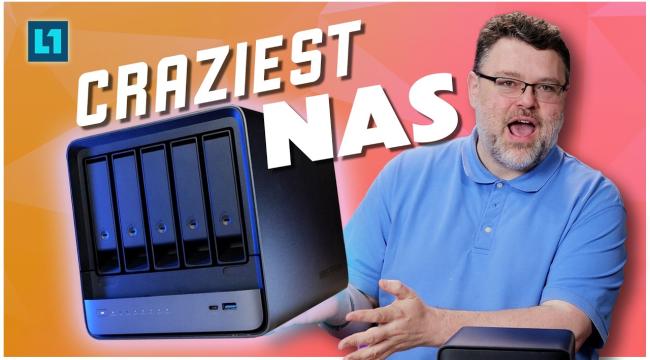
0:24 N5 Max vs N5 Pro
2:29 Hardware
8:19 Bios Tour
9:13 Storage
10:06 Important NAS Review Point
12:00 Thunderbolt 5
14:20 Use Case?
16:06 Software
23:43 AI
27:40 The Bigger Point
0:00 Intro
1:13 What Are We Using
3:02 Sapphire Rapids
5:17 Threadripper
6:01 Networking
11:13 Forum Guide Set Up
12:45 Software Stack
16:50 Rocky Linux
18:10 This is a Political Video
20:40 The Testing
24:30 Conclusion and Future
This isn’t a homelab Proxmox install. This is how you run Proxmox in production on real hardware.
We build a proper 3-node cluster on OpenMetal bare metal with VLANs, bonding, ZFS, HA routing, and tie it into Proxmox Datacenter Manager and Proxmox Backup Server so VMs can move between local infrastructure and the cloud.
If you’re coming from VMware, this is the part people miss: Proxmox VE by itself isn’t the whole story. VE + Datacenter Manager + Backup Server is what gives you real HA, replication, migration, and backup.
We’re doing this on OpenMetal bare metal because they make it easy to deploy enterprise bare metal dedicated servers with multiple VLANs, bonded 10G networking, and IPMI access so you can build an actual cluster the way it should be built.
This setup lets you run workloads in the cloud, keep local restores, and move VMs back and forth with confidence that the cluster is actually redundant.
If you are seriously considering moving your Proxmox onto hosted bare metal, OpenMetal offers Proof of Concept (PoC) clouds and also has a viewer promo: 👉 50% off the first 3 months when you commit to a 1-year term on bare metal servers.
Wendell asked to borrow this thing for some testing, so he decided to make a video about it too. Prebuilds aren't just for gamers! Lets take a look at this high end build and see what it's made of!
0:00 Intro
0:29 Unboxing and Overview Breakdown
4:56 Testing Setup
5:56 Testing Results
6:08 HardwareInfo64
7:56 First Set of Benchmarks
9:05 Thermal Limit
9:23 Expansion
9:45 Two GPUs?
10:50 CPUs
11:34 Second Set of Benchmarks
15:40 AI
17:47 Conclusions
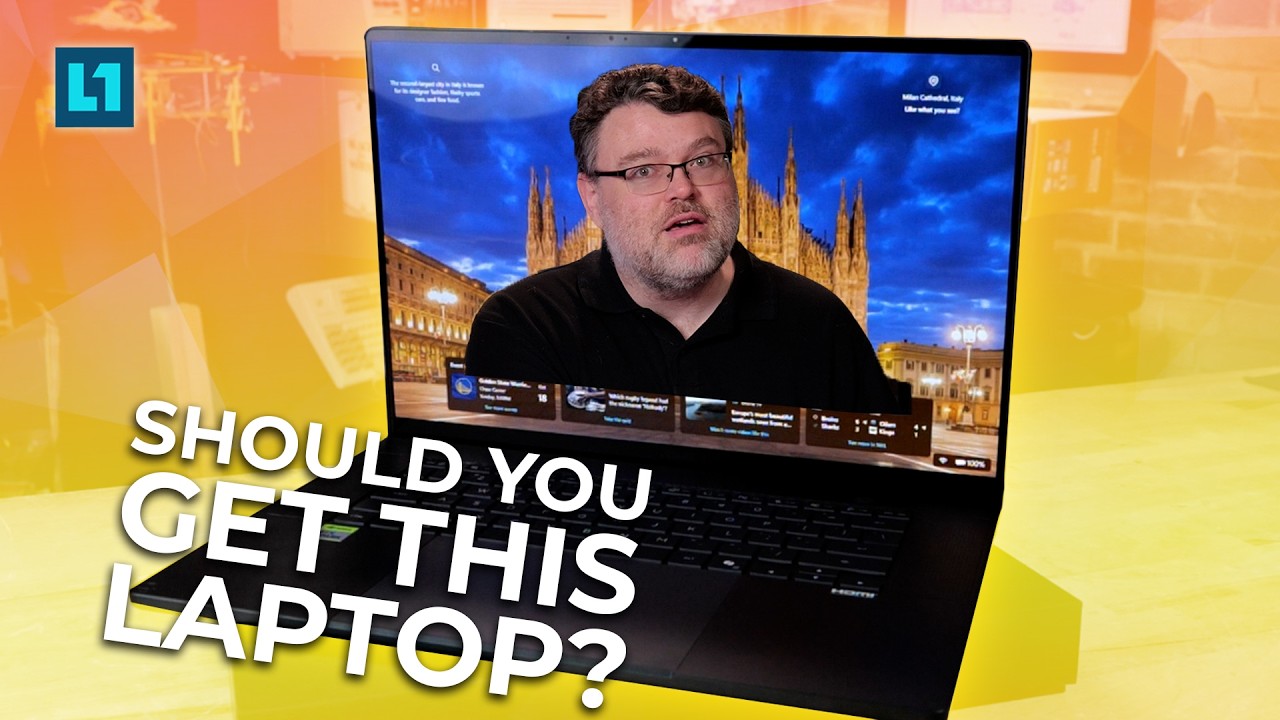
0:00 Intro
1:47 Overview and Strix
4:01 Tear Down
5:46 Bios Tour
7:56 Thunderbolt 5 and Chroma Dock
9:11 Benchmarks
16:13 What Can We Get Away With?
17:37 Rack Server?
19:41 Comfy How To
30:07 Linux and AI?
31:10 Conclusion