Workstations
Start with the job you need to finish. A larger model, a render queue, compiling a codebase, and running a pile of virtual machines each put pressure on different parts of the machine.
Buy a complete system
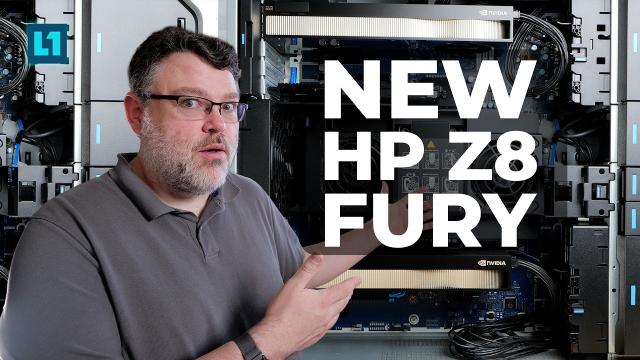
Start with Dell and HP if a supported machine matters. Compare the actual configuration, warranty, available memory, and room for expansion. A used system can be a good deal once you include the cost of proprietary parts and the upgrades you need.
Build it yourself
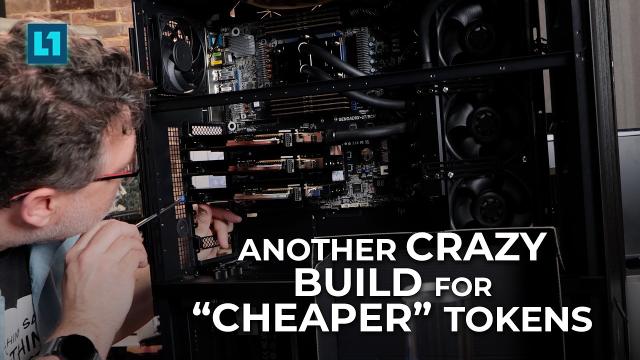
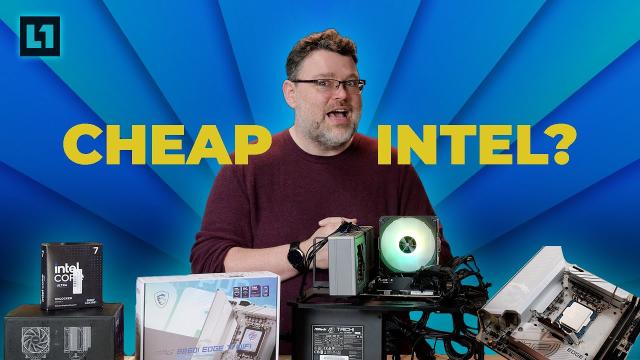
Intel and AMD DIY systems let you decide where the budget goes. Check memory capacity and bandwidth, PCIe slot spacing and lanes, cooling, and power before comparing processor prices. Buy for the thing that limits your work today.
Browse workstation build guides
Consider Arm and specialty AI systems
Ampere and other Arm workstations make sense when the tools you need run well on Arm. A purpose-built system such as NVIDIA’s DGX Station belongs on the shortlist when larger local models drive the purchase. Compare software support and usable memory on your own workload before paying for a specialized platform.